
Reference

The c88z App: Lobby in Your Hand

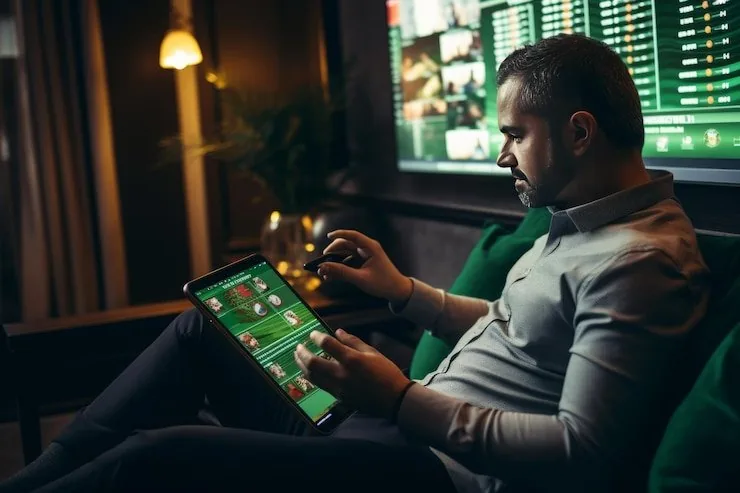
c88z runs a mobile-optimised experience built for mid-range Android devices — open the site in your browser and the full lobby loads without needing a separate install.

Mobile browser accessAccount wallet on the goAvailability depends on local lawReturning-user quick loginDevice continuity across sessions
c88z The c88z App: Lobby in Your Hand
c88z Mobile Access in 3 Steps

Mobile Access in 3 Steps

No complicated setup here. The mobile path is short by design — players in Lahore and across Pakistan reach the lobby in seconds through their phone browser. Step one: open c88z in Chrome or your default Android browser. Step two: check that JavaScript is enabled and the browser is reasonably current — the lobby signals immediately if something needs updating. Step three:

sign in with your registered credentials or use fingerprint if you have it set up. Your session carries over from desktop automatically, so your balance and open bets are exactly where you left them.

  • Open c88z — Type the address directly into Chrome or your Android browser — no third-party link needed. The mobile layout loads automatically on small screens.
  • Check Browser Compatibility — The lobby displays a prompt if your browser version is below what the live-table stream requires. Updating Chrome takes under a minute from the Play Store.
  • Sign In Securely — Enter your account credentials or approve the fingerprint prompt. An OTP may be sent to your registered number as a second verification step.
CORE APP CAPABILITIES

Four Things the App Does Well

Every feature below is built around the assumption that you are on a phone, mid-session, and need zero friction. From biometric entry to offline lobby previews, the app keeps your account close.

Biometric Login Fingerprint unlock is available on supported Android devices. Tap once, land in your account — no password re-entry needed for returning sessions.
Push Notifications Opt in to alerts for Cricket Hotlines market openings, Football StrikeZone events, or when a deposit clears into your account wallet.
Dark Mode Display The interface shifts to a darker colour scheme in low-light conditions, reducing eye strain during late-night sessions without changing any game layout.
Offline Lobby Preview Browse game thumbnails and check your account balance without a live connection. Tile images cache locally so navigation stays smooth on patchy mobile data.
c88z What the c88z App Puts in Your Pocket

What the c88z App Puts in Your Pocket

The mobile experience covers every corner of the lobby — Crash Lightning and Slot ThunderStrike load at the same speed you get on desktop, and live tables streamed by Evolution sit just one tap from the home screen. Quick-deposit shortcuts let you push funds from JazzCash or Easypaisa without leaving the game screen. Push notifications flag when a Cricket Hotlines market opens

or when a session you left mid-way is still active. Fingerprint login removes the password step for returning users — your account unlocks in under two seconds on supported devices. Dark mode adjusts automatically at night.

DEVICE CHECKLIST

Which Devices Work With the App

The mobile build is shaped around mid-range Android hardware — the kind most Pakistan users carry day to day. Below is what to check before your first mobile session. Access and feature availability depend on your eligible region and local law.

01

Android Browser Support

Chrome on Android is the primary supported path. Most current mid-range handsets run it without issues; check your Chrome version if live tables stutter.

02

Screen Layout Scaling

The lobby scales for screens between roughly 5 and 7 inches. Landscape mode works for live tables; portrait is the default for slots and crash games.

03

Account Requirements

A verified c88z account is required before any game loads on mobile. Wallet funding via JazzCash, Easypaisa or Raast is done inside your logged-in account.

04

Session Continuity

Your session token persists when you switch from desktop to phone. Open bets, lobby position and account balance sync without requiring a second login.

05

Currently Supported Devices

For the current confirmed device list, check the Support section inside your account — that page reflects what our team has actively tested and verified.

What People Ask About the c88z App

Straightforward answers to the things Pakistan users ask most about mobile access, account setup and how the app handles payments and sessions.

Not necessarily. The mobile browser version gives you full lobby access without a download. Check inside your account to see if a dedicated app build is currently offered in your region.

Yes. The quick-deposit flow inside the mobile lobby lets you initiate a JazzCash or Easypaisa transfer. Confirm the amount, send to the account number shown, and enter your wallet PIN to complete it.

After your first successful login on a supported Android device, go to Account Settings and enable biometric access. Your fingerprint replaces the password for future sessions on that device.

Yes. Your session, balance and any open bets sync automatically. Log in on your phone and everything is exactly as you left it on desktop — no manual transfer needed.

Crash games and live tables pause at the last confirmed round state. When your connection returns, reload the page and your account reflects the last completed outcome. Partially loaded rounds are handled server-side.

iOS availability depends on your eligible region and local law. Check the app or support section inside your account for the current status on Apple devices in Pakistan.
Reference

c88z App

Service availability depends on eligible regions and local law. Users should check local rules before opening an account.

Access may be available only where local law permits.